
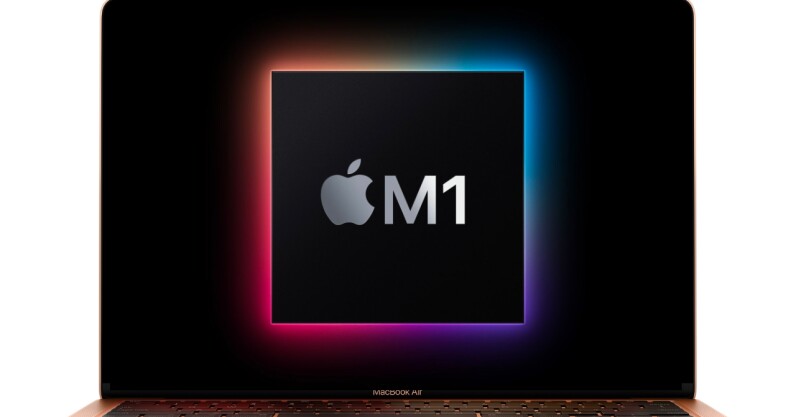
Welcome to TNW Basics, a collection of tips, guides, and advice on how to easily get the most out of your gadgets, apps, and other stuff. I recently got an M1-powered Macbook Air, and I was excited to set it up after watching so many videos gushing over the laptop. I migrated all my apps and files from my old Intel-powered MacBook Air and I was raring to go. Then I realized that some of those apps might be running on Rosetta 2 — Apple‘s simulation software to run intel-based apps on the new Mac. While they work fine, it’s nice to…
This story continues at The Next Web