
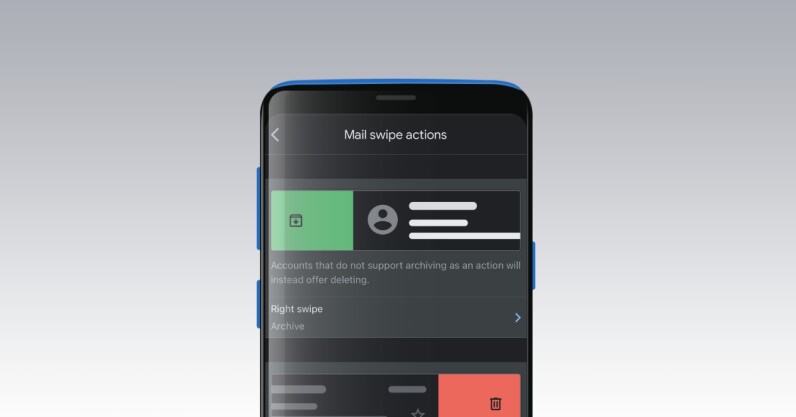
Welcome to TNW Basics, a collection of tips, guides, and advice on how to easily get the most out of your gadgets, apps, and other stuff. I get a ton of emails every day, and not all of them are relevant to me. So when I check my inbox after every few hours, I need to quickly delete or archive emails that are not needed. Thankfully, Gmail’s swipe gestures on its mobile apps let me go through emails in no time. Here’s how you can use them: Open the Gmail app on your iOS or Android device. Head to Settings >…
This story continues at The Next Web