
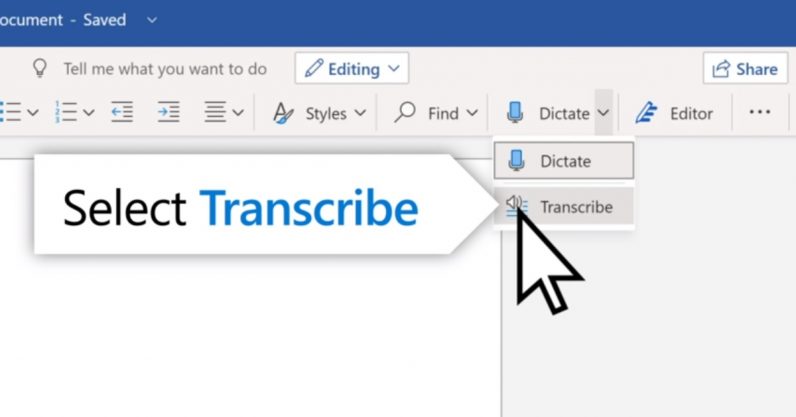
Welcome to TNW Basics, a collection of tips, guides, and advice on how to easily get the most out of your gadgets, apps, and other stuff. Microsoft today announced a new feature for Word: a transcription tool that allows you to get spoken words into your document without you having to type all of them. We’ll show you how to use it. The new tool works with recorded audio and live speaking, and can detect different speakers. It’ll also allow you to pull quotes from the transcription and insert them as you please into the document. As a former intern whose…
This story continues at The Next Web
Or just read more coverage about: Microsoft