
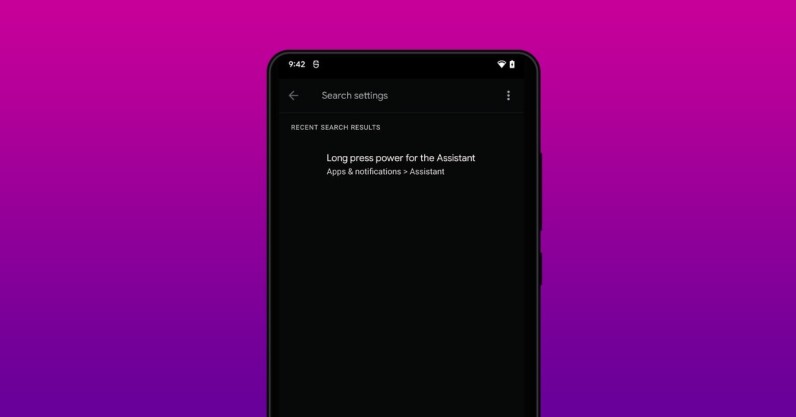
You can bring Google Assistant up by saying “OK Google” or “Hey Google” wake words. But if you’re in a noisy environment, that might not work well. To solve that, the firm is working on a new way to invoke the AI Assistant by long-pressing the power button. Sleuths at XDA Developers uncovered this mystery in the latest version of the Google Android app (12.18.6.29). The new app has lines of code indicating that this feature might be soon heading to a ton of Android phones: <string name="assistant_android_settings_long_press_power_summary">To talk to your Assistant, touch and hold power button, then release</string> <string name="assistant_android_settings_long_press_power_title">Long press…
This story continues at The Next Web
Or just read more coverage about: Google